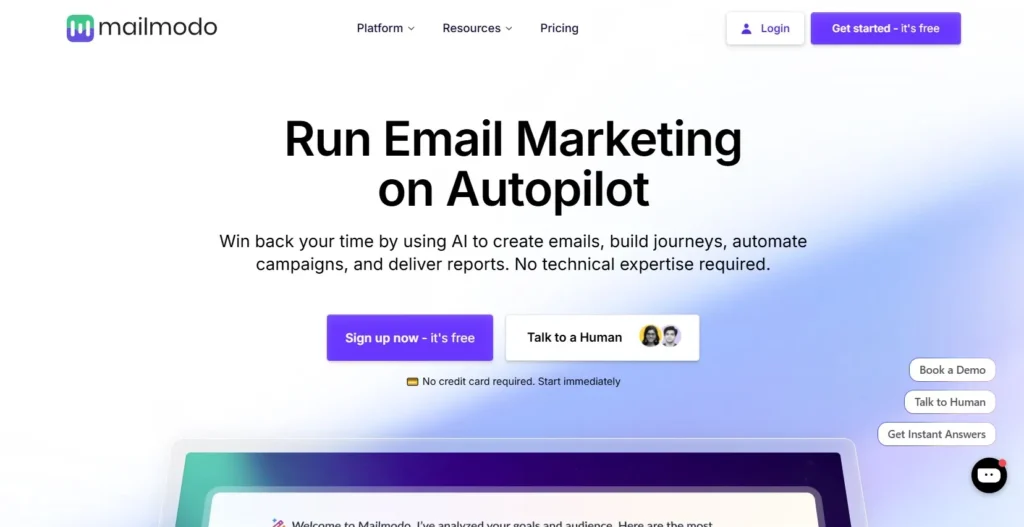
Mailmodo Review 2026: Interactive Email Marketing Made Simple
Welcome to our comprehensive Mailmodo review. You craft the perfect email campaign, hit send, and wait for the sales to roll in. But days later, your conversion rates are flat, and users are completely ignoring your links.
The truth is, forcing subscribers to leave their inbox to fill out a form or make a purchase adds unnecessary friction. Mailmodo changes the game entirely by bringing interactive elements directly into the user’s inbox. It allows startups, e-commerce shops, and SaaS companies to embed forms and carts inside their emails using AMP technology.
In this Mailmodo review, we will cover features, pricing, pros, cons, and alternatives.
Quick Verdict — “Tiny Tool Take”
Mailmodo successfully turns static emails into highly interactive mini-websites for e-commerce brands and SaaS companies wanting higher conversions.
Who this is for: It is designed for marketers, SaaS founders, and e‑commerce teams who want to boost engagement with interactive AMP emails that go beyond plain‑text newsletters.
Who it is NOT for: It is not designed for casual bloggers or standard newsletter senders who only need plain-text formatting.
Rating: 4.6/5 ⭐⭐⭐⭐⭐
Mailmodo Review: Key Features
Interactive AMP Emails
Standard emails force your readers to click a link, open a new tab, and wait for a webpage to load. This creates unnecessary friction that ultimately kills your conversion rates. Mailmodo fixes this by using AMP technology to put interactive elements right inside the inbox.
Users can fill out a survey, book a meeting, or add a product to their cart seamlessly. If an email client does not support AMP, Mailmodo automatically falls back to a standard HTML version. You never have to worry about broken formatting ruining your brand image.
AI Email Campaign Builder
Staring at a blank screen is often the hardest part of email marketing. Mailmodo eliminates this bottleneck with its integrated AI campaign builder. You simply type in a prompt describing your goal, and the AI generates the entire layout.
The AI understands marketing best practices, crafting compelling subject lines and persuasive body copy instantly. You can then tweak the generated content using the simple drag-and-drop editor. This empowers anyone on your team to launch professional emails without needing a developer.
Visual Journey Builder and Automation
Sending a single blast is rarely enough to close a stubborn sale. You need automated sequences that nurture leads over time based on their specific behavior. Mailmodo features a visual journey builder that maps out these complex automations perfectly.
You start with a blank canvas or a pre-built template to add triggers based on user actions. You can use time delays and conditional logic to personalize the subscriber experience. This level of precision runs your marketing on autopilot while you sleep.
Advanced Deliverability Optimization
The best email campaign in the world is completely useless if it lands in the spam folder. Deliverability is a massive challenge for many growing businesses. Mailmodo places a heavy emphasis on ensuring your emails actually reach the primary inbox.
The platform provides built-in tools to easily authenticate your domain with standard security protocols. It also monitors your sender score and bounce rates in real-time. This proactive approach helps maintain the long-term health of your entire email list.
Deep Analytics and Reporting
Data is the absolute lifeblood of any successful marketing strategy. You need to know exactly how your audience interacts with your messages. Mailmodo goes far beyond tracking basic open and click-through rates.
Because the emails are interactive, the analytics track form submissions happening directly inside the message. You can see exactly which interactive widget is performing the absolute best. This granular data allows you to optimize your campaigns with extreme precision.
Ease of Use
When you log into Mailmodo, you are greeted by a very clean and modern dashboard. The navigation is straightforward, with clear menus for campaigns, templates, contacts, and settings. It avoids the cluttered feeling that plagues many legacy email marketing platforms.
The setup process is surprisingly simple for a tool that handles complex AMP technology. You are guided through domain authentication and list importing step-by-step. The onboarding sequence ensures that even complete beginners do not get lost.
The learning curve is generally mild, but it does definitely exist. Creating basic campaigns takes only a few minutes, thanks to the vast template library. Mastering the visual journey builder and advanced conditional logic does require a bit of practice.
Most users will feel perfectly comfortable within their first few days. The drag-and-drop editor is highly intuitive, functioning exactly how you expect it to. If you have ever used a modern website builder, you will feel right at home here.
Performance & Reliability
Speed is crucial when you are managing massive databases of email contacts. Mailmodo handles list segmentation and campaign rendering without any noticeable lag. Even when building complex automated journeys, the interface remains snappy and highly responsive.
Stability is perhaps the biggest concern when dealing with interactive AMP emails. Interactive elements can sometimes break or look strange if not coded correctly. Thankfully, Mailmodo handles all the heavy lifting to ensure maximum compatibility across email clients.
The platform automatically detects whether a user’s email client supports AMP functionality. If it does not, it seamlessly delivers a beautiful HTML fallback version instead. This dual-rendering system guarantees that your message always looks professional.
The output quality of the AI tools is also highly reliable and consistent. While you should always review AI-generated text, the initial drafts require very little editing. The platform consistently produces clean code and high-converting copy.
Mailmodo Pricing & Plans
Mailmodo offers a transparent pricing structure based on features and your monthly email volume. It operates on a standard subscription model with no hidden implementation fees. Paying annually will save you around twenty percent across the board.
Here is a breakdown of the primary pricing tiers.
| Plan Name | Monthly Price | Key Features Included | Best For |
| Lite | $39 | 20,000 emails, 2,500 contacts, 1 team member, 5 journeys | Small startups and new e-commerce shops |
| Pro | $79 | 25,000 emails, 3 team members, 10 active journeys | Growing SaaS teams needing more automation |
| Max | $159 | Unlimited journeys, 5 team members, dedicated onboarding | Large agencies and high-volume sellers |
The Lite plan is an excellent starting point for businesses testing the waters with interactive emails. It provides enough volume to run meaningful campaigns without breaking the bank. However, you are strictly limited to a single team member.
The Pro plan is the clear best value for rapidly growing companies. It unlocks more team members and doubles your allowed active journeys. This tier gives you the breathing room needed to implement complex automation strategies.
The Max plan is reserved for serious enterprises that require unlimited flexibility. You also gain access to priority phone support and a dedicated onboarding manager. It carries a premium price tag, but it comes with excellent white-glove service.
Pros and Cons
✅ Pros
- Users can submit forms and buy products directly inside the email inbox.
- The no-code drag-and-drop editor drastically speeds up the entire design process.
- Built-in AI generates compelling copy and layout suggestions almost instantly.
- High deliverability rates are achieved with easy domain authentication tools.
- Automatic HTML fallback ensures your emails always render correctly on all devices.
❌ Cons
- The base pricing is slightly higher than many simple, traditional newsletter tools.
- Advanced automation paths can be somewhat tricky to map out initially.
- AMP emails are not supported by Apple Mail, forcing users to see the fallback view.
- The Lite plan heavily restricts the total number of active automated journeys.
Customer Support
Mailmodo provides an impressive level of customer support across all of its available pricing tiers. You can reach their technical team via live chat, email, and detailed help center articles. Higher-tier plans also unlock dedicated phone support and personalized onboarding sessions.
The speed of the live chat is highly commendable, with representatives usually replying within minutes. They are highly technical and can actually help troubleshoot complex API or AMP issues. You rarely get bounced around between useless automated bots.
The knowledge base is fully loaded with step-by-step video tutorials and clear screenshots. This self-serve documentation is excellent for visual learners who want to solve problems independently. The support ecosystem is definitely a massive strong point for this software.
Top Mailmodo Alternatives
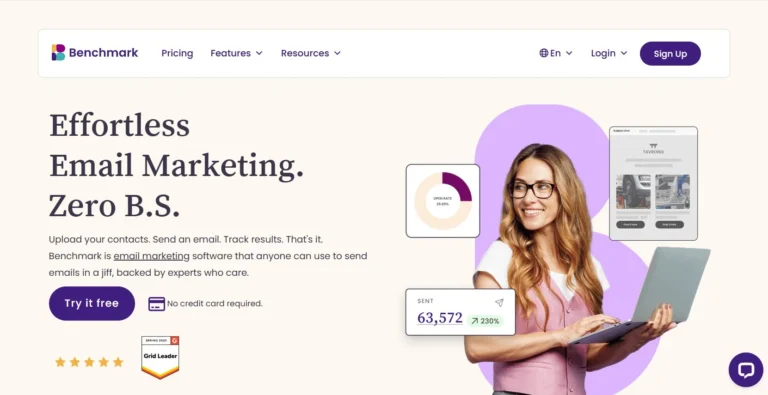
Mailchimp
Mailchimp is the undisputed giant in the traditional email marketing software space. It offers a massive ecosystem of integrations and is incredibly easy for beginners to learn. However, it completely lacks the deep, in-email interactive AMP functionality that makes Mailmodo so special.
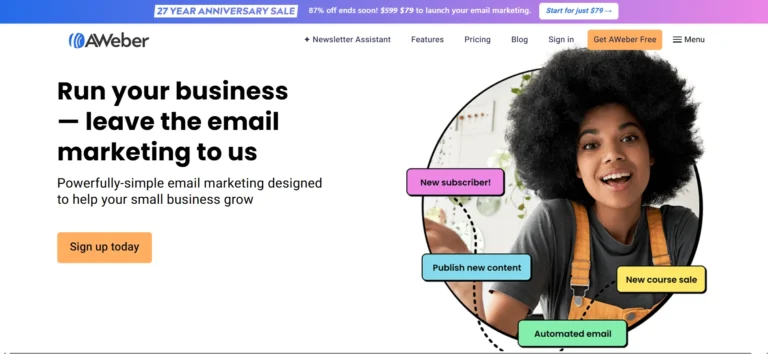
ConvertKit
ConvertKit is tailored specifically for digital creators, bloggers, and online educators. Its text-heavy, minimalist approach is brilliant for building personal relationships with a dedicated reading audience. It is not built to handle complex e-commerce shopping carts inside an email, making it less ideal for retail.
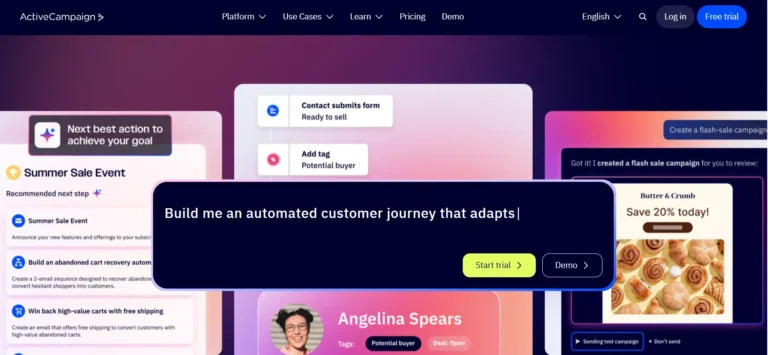
Brevo
Brevo, formerly known as Sendinblue, is a fantastic alternative if you are on a tight budget. It provides incredibly cheap email volume and includes built-in CRM and SMS marketing tools. The downside is that you cannot embed interactive calendars or live forms directly into the inbox.
Conclusion
Mailmodo is aggressively pushing the boundaries of what modern email marketing can actually achieve. By bringing the website experience directly into the inbox, it removes friction and dramatically boosts conversion rates. The platform is robust, incredibly fast, and surprisingly easy to navigate despite its advanced technology.
While it does cost slightly more than basic newsletter software, the return on investment is undeniable. If you rely on booking meetings, collecting feedback, or driving e-commerce sales, this tool is a massive upgrade. It completely modernizes the way you communicate with your entire audience.
If you are ready to stop sending boring, static messages, it is definitely time to make the switch.
Frequently Asked Questions
Yes, it is highly accessible for complete beginners. The drag-and-drop editor removes the need for any coding knowledge. You can easily build complex interactive campaigns using their pre-built templates.
Mailmodo is best used for creating interactive AMP emails that drive immediate action. It allows users to fill out forms, book meetings, and complete purchases without leaving their inbox. It is highly effective for e-commerce shops, SaaS companies, and aggressive startups.
Yes, the pricing is worth it if you actively use the interactive AMP features. While it is more expensive than basic email software, the increase in engagement often covers the difference. If you only send plain-text newsletters, it is likely overkill for your budget.
If an email client, such as Apple Mail, does not support AMP technology, Mailmodo automatically adapts. It sends a fully optimized HTML fallback version instead. Your subscribers will always see a clean, professional email regardless of their device.
Yes, it integrates seamlessly with thousands of popular marketing and sales tools. You can connect it to CRMs like HubSpot, e-commerce platforms like Shopify, and automation tools like Zapier. This makes it incredibly easy to fit right into your existing workflow.